Gaming Video Analysis
Analyze gameplay in detail with browser-based video tools. Step through every frame, measure precise timing, compare two recordings side by side, and zoom in on moments that are easy to miss at full speed.
See What Happens Between the Frames
A few frames can make the difference between landing a hit and getting punished, reacting in time and reacting too late, or taking the perfect racing line and losing time through a corner.

VideoPlayer.io helps you slow down the action and inspect what actually happened.
Fighting Games
Examine attack animations, startup and recovery, reactions, movement, and other frame-sensitive interactions.
Action Games
Break down dodges, attacks, movement, animation transitions, and precisely timed actions.
Shooters
Review aiming, movement, reactions, recoil behavior, and fast engagements.
Racing Games
Study braking points, steering, racing lines, corner exits, and differences between laps.
Analyze Gameplay Frame by Frame
Games move fast. Important events can happen in just a fraction of a second, making them difficult to examine during normal playback.

With the Frame-by-Frame Player, you can move through recorded gameplay one frame at a time to find exactly when an action begins, when something changes on screen, and how many frames pass between two events.
Use frame-by-frame playback to inspect animation timing, reactions, shots, dodges, movement, or the moments immediately before a successful or failed attempt.
The frame-by-frame player only counts frames within the recorded video. If the game’s actual frame rate differs from the FPS of the video used for analysis, the results may not accurately reflect the number of frames in the game. Please make sure to verify the game’s FPS and take any difference from the video’s FPS into account when using this feature.
Compare Gameplay Side by Side
Sometimes the difference becomes clearer when you stop looking at one recording in isolation.
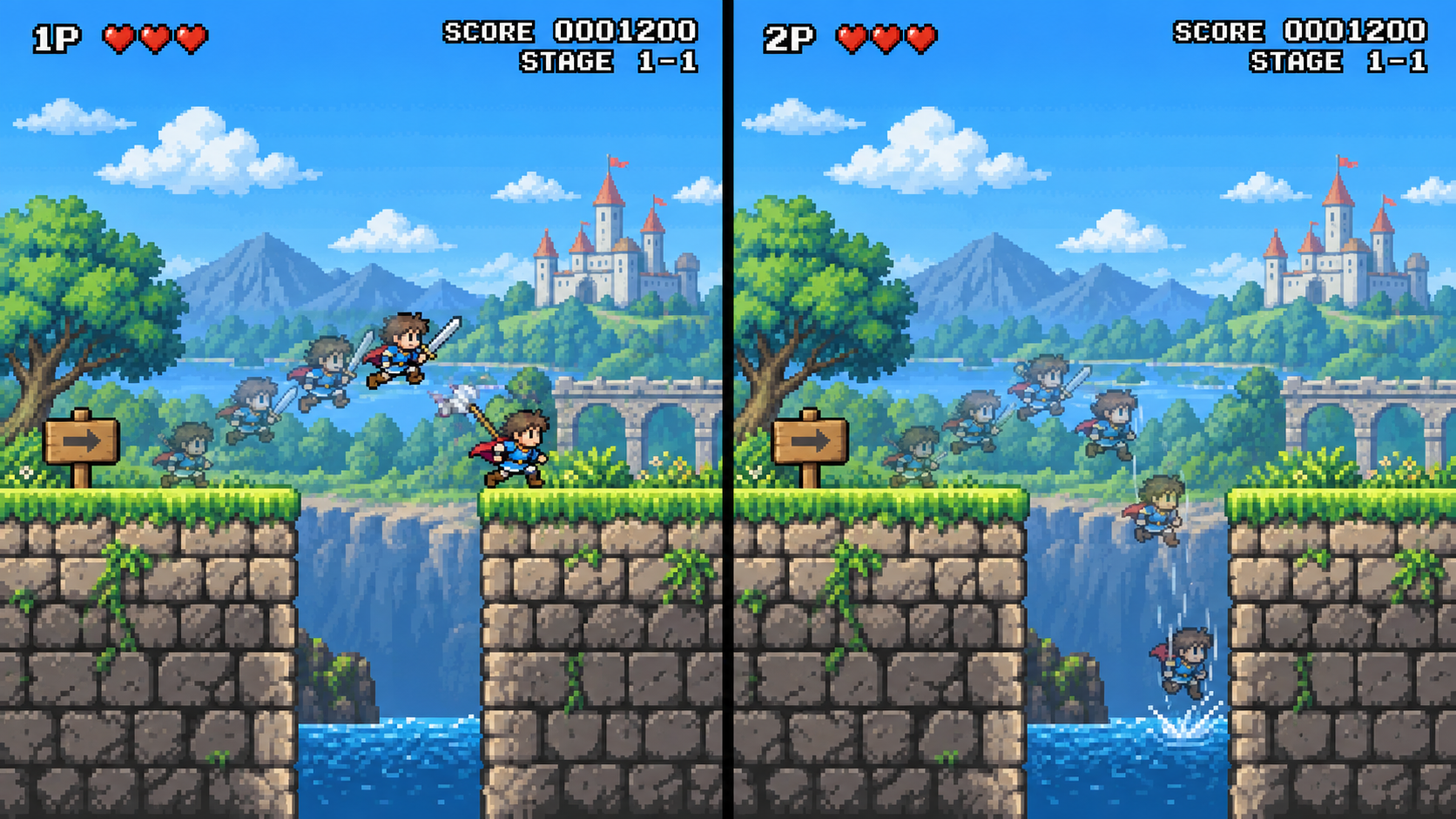
Load two gameplay videos into the Split Screen Player and review them side by side. Compare different players, attempts, strategies, or lapsto see where their approaches begin to differ.
Two Players
See how different players approach the same situation.
Two Attempts
Compare a successful attempt with one that failed.
Two Laps
Inspect braking points, racing lines, cornering, and exits from the same section of a track.
Before and After
Compare gameplay before and after changing a strategy, technique, setting, or practice routine.
Zoom In on the Action
Sometimes the important part of a gameplay recording occupies only a small area of the screen.
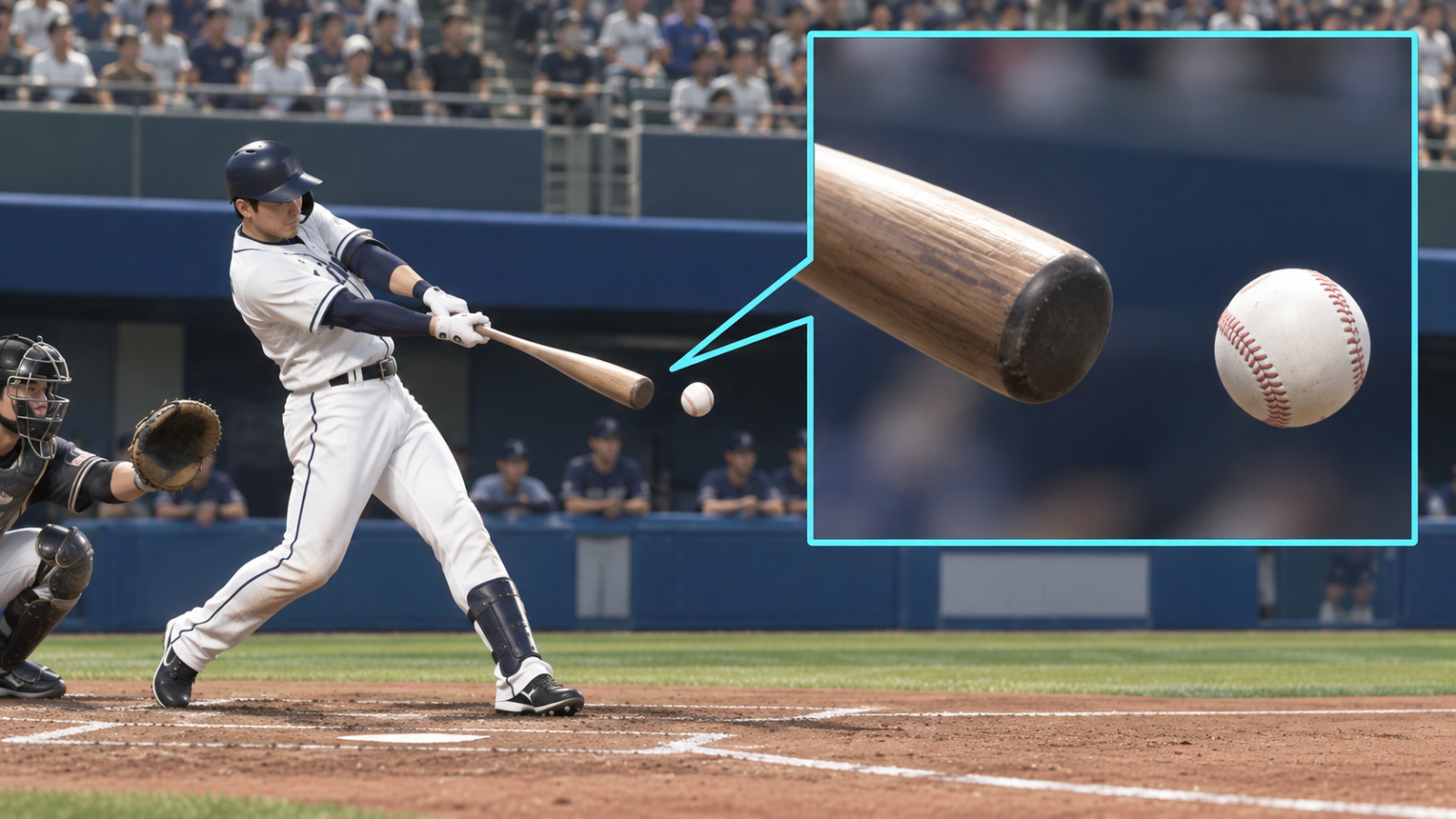
Use the zoom and video position controls in AI Motion Analyzer to enlarge the area you want to inspect and focus on details that can be difficult to see during normal playback.
Crosshair Placement
Take a closer look at aiming, target movement, and small changes around the crosshair.
Character Details
Inspect positioning, animations, and interactions that occupy only a small part of the screen.
Racing References
Zoom in on wheels, apexes, braking markers, track boundaries, and other visual references.
HUD and Visual Changes
Focus on small interface elements or visual changes that are difficult to notice at full size.
Take a Closer Look at Your Gameplay
Load your gameplay video and examine the moments that are too fast, too small, or too difficult to understand at normal speed.