
Online Frame by Frame Player
A browser-based video player for detailed video analysis. Review videos frame by frame without installing any software.


SYSTEM FEATURES
The following useful functions are available.
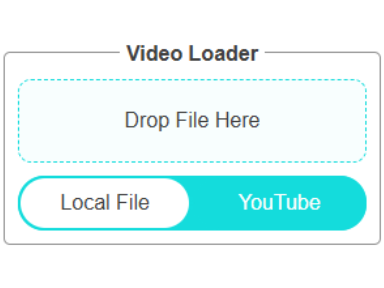
Flexible Loading Modes
You can load videos stored on your PC or smartphone, or you can even load YouTube videos. Click the toggle button to switch the loading mode.
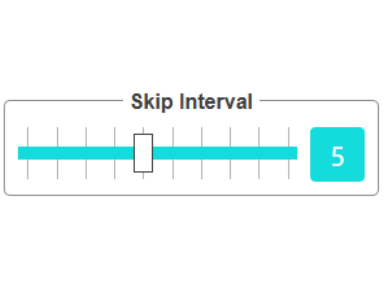
Adjustable Frames to Advance
Adjust the slider to specify the number of frames to advance, from 1 to 10. You can also enter a value directly in the input field next to the slider.

Intuitive & Easy Control
Use the < and > buttons to advance the specified number of frames. The << and >> buttons allow you to advance twice that amount.

Frame Advance Status Indicator
If the frame advance buttons appear dimmed, click outside the video screen to enable the frame advance function.
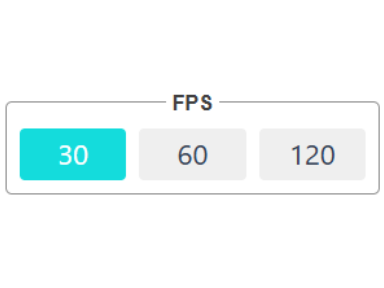
FPS Specification
Specify the FPS of the uploaded video to adjust the frame advance rate appropriately. For more details, refer to this section.

Privacy Protection
Local videos are processed in your browser and are not uploaded to our servers.
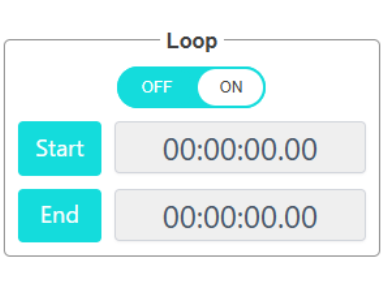
Loop Function
Enable the Loop Option and set the start and end positions to play the video in a loop.

Free to Use
This system and its all functionalities are available for free.

Multi Device
Works across PCs, smartphones, and tablets, so you can review videos on different devices.

No App Installation
Since this system runs entirely in a web browser, there is no need to install a dedicated app.
What is the frame rate anyway?
Common in movies and cinematic clips. It is perceived by the human eye as 'cinematic' motion.
Standard frame rate used for TV shows and many online videos.
It is used in situations where smoothness is required, such as games, sports broadcasts, and slow motion video.
Very high frame rates for fast cameras and special slow motion effects.
Precaution for use

The problem is that different videos have different frame rates. For example, suppose you select a 5 fps video and a 30 fps video. At this time, the 5fps video has 5 frames per second and the 30fps video has 30 frames per second.

At this time, sending 5 frames in a 5 fps video will advance the video by 1 second, but in a 30 fps video, even if 5 frames are sent, the video will stay at the beginning of 1 second. The number of frames that can be sent in a typical frame-by-frame player is fixed, but if two videos send the same number of frames, the amount of forward movement will vary from one video to another.

To solve this problem, this system has a function to specify the number of frames to be fed frame by frame for each video. In the example in the image, the system is set to operate for only 5 frames for a 5 fps video and 30 frames for a 30 fps video, so that when the frame advance button is pressed, the system operates for 1 second for the two videos.