
AI Motion Analyzer
A video player that has everything you need to analyze your motion in detail.
Explore Features
Unlock deeper motion insights with cutting-edge analysis technology.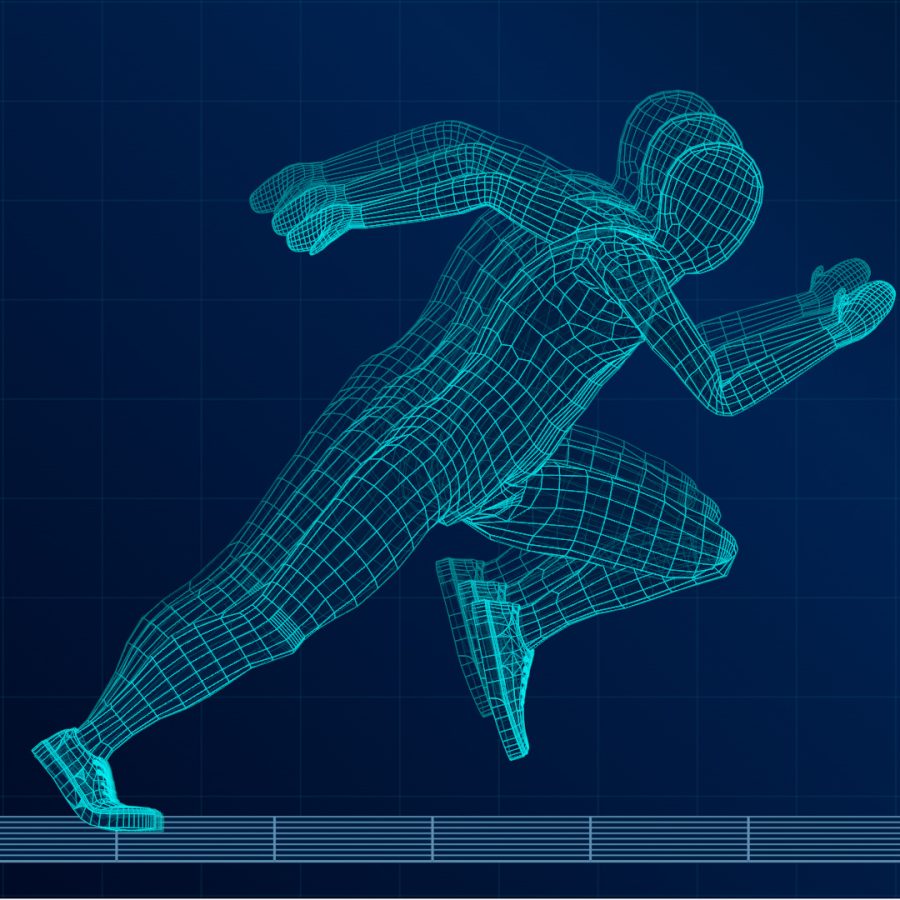
Frame-by-Frame Playback
Capture decisive moments one frame at a time
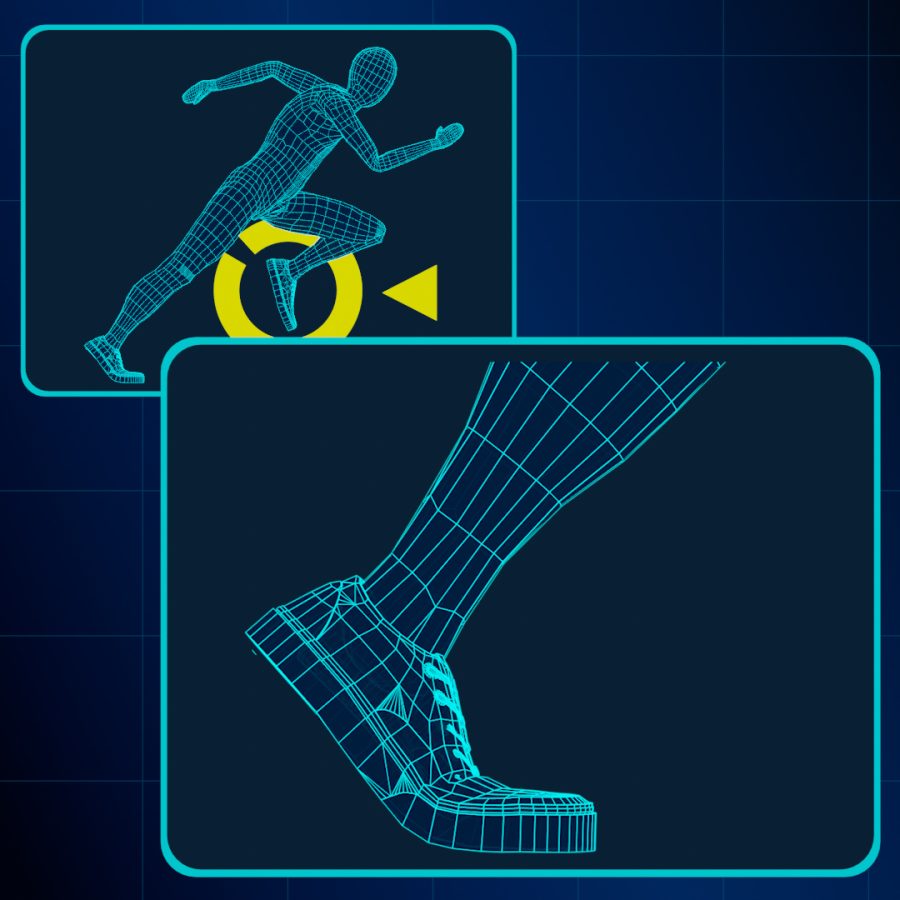
Zoom In/Out
Zoom in on only the part you want to check
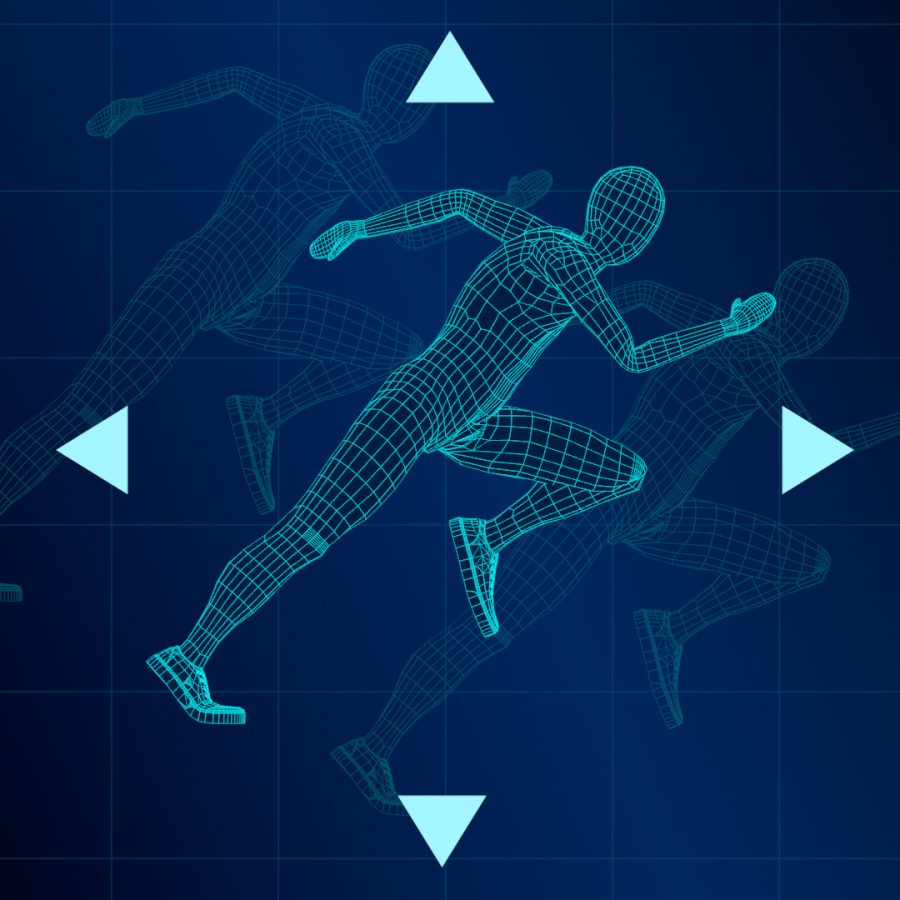
Video Position Adjustment
Freely adjust the position up, down, left, and right
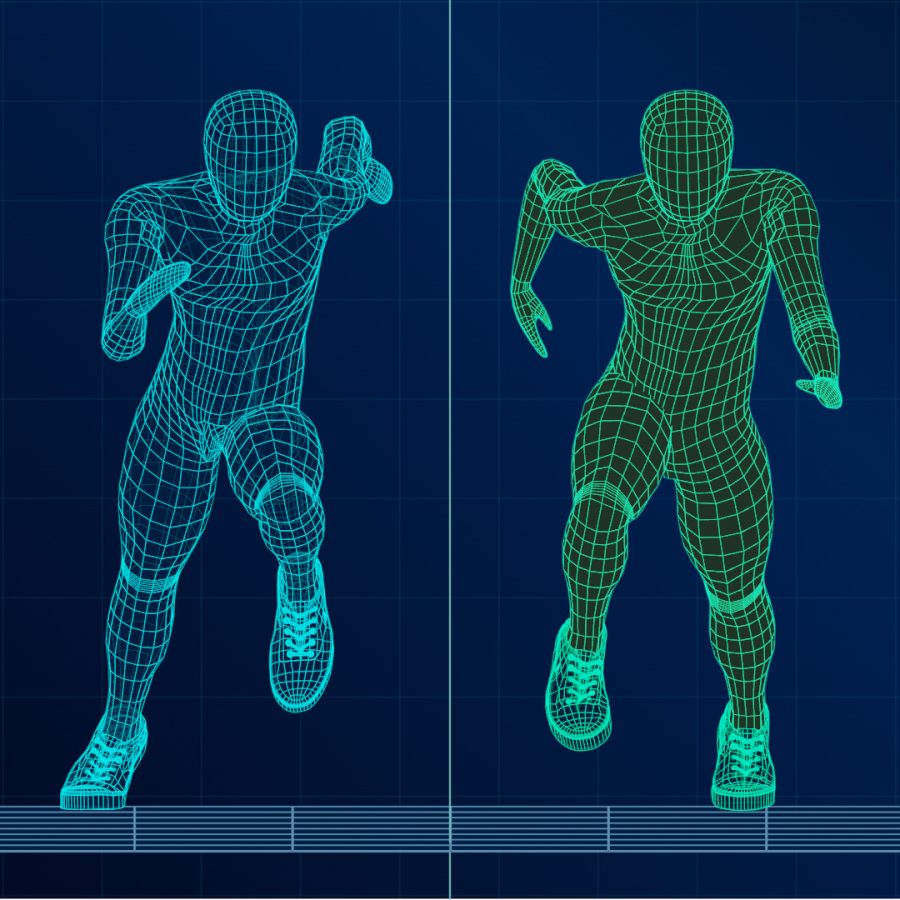
Dual Display
Split window and display videos side by side
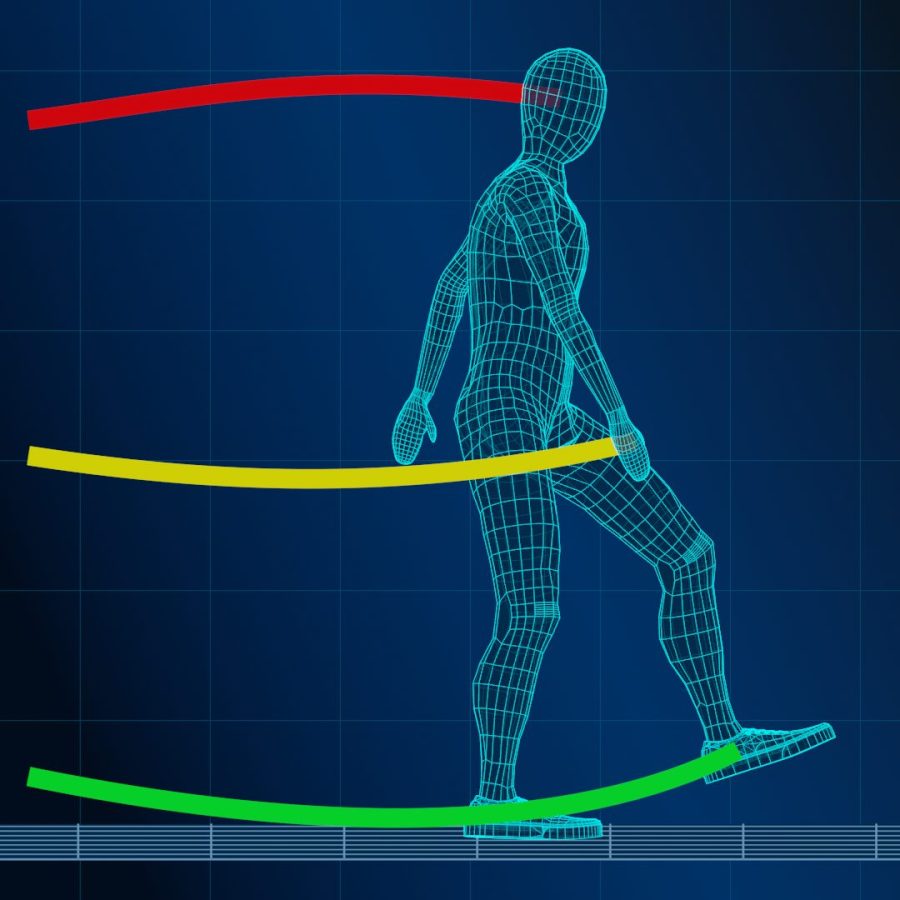
Motion Tracking
Visualize the flow of movement
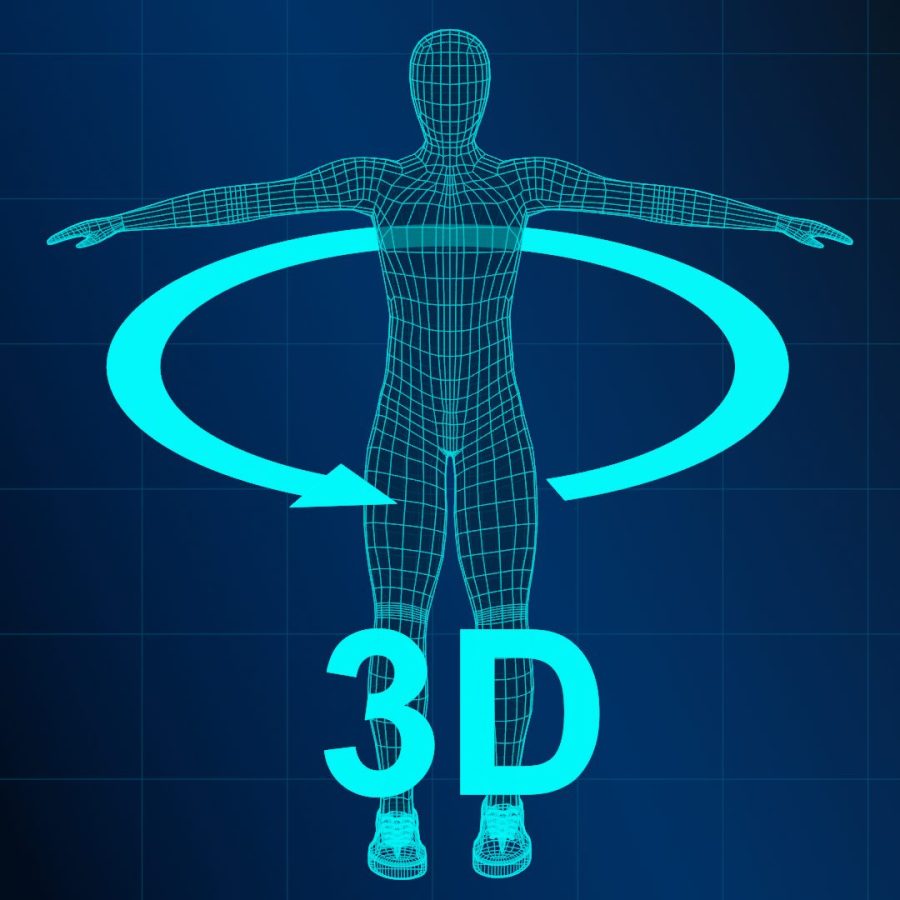
3D Simulation
Focus on movement from different angles
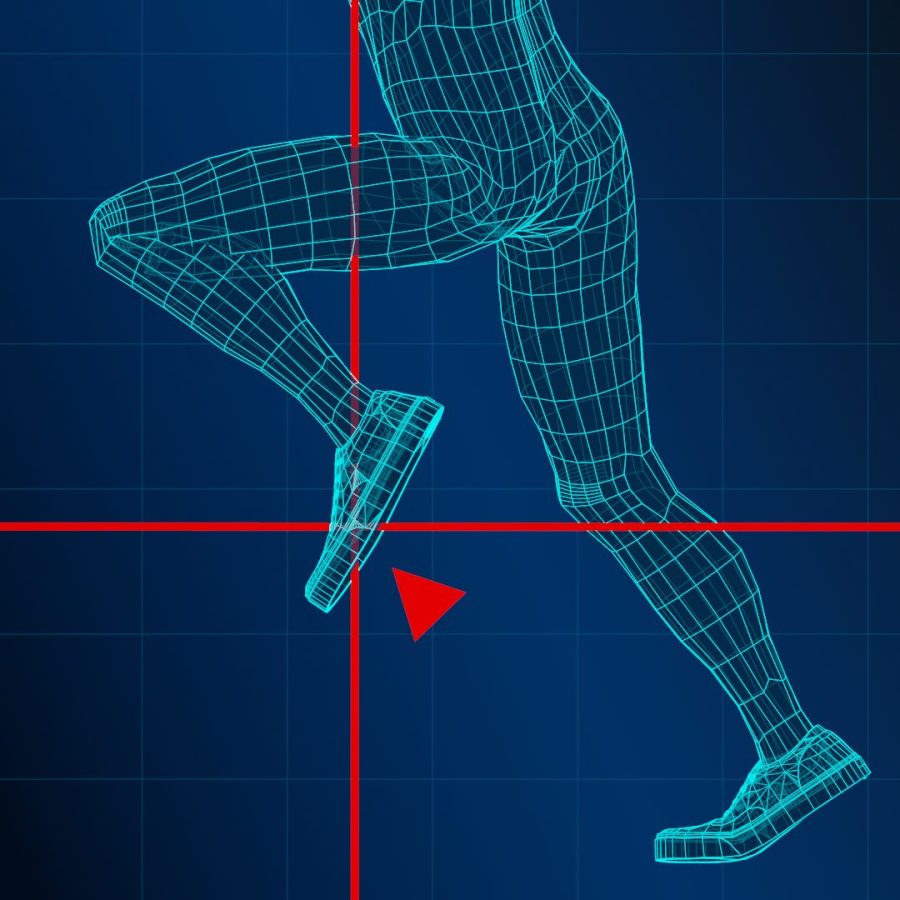
Grid Lines
Automatically tracks along with movement
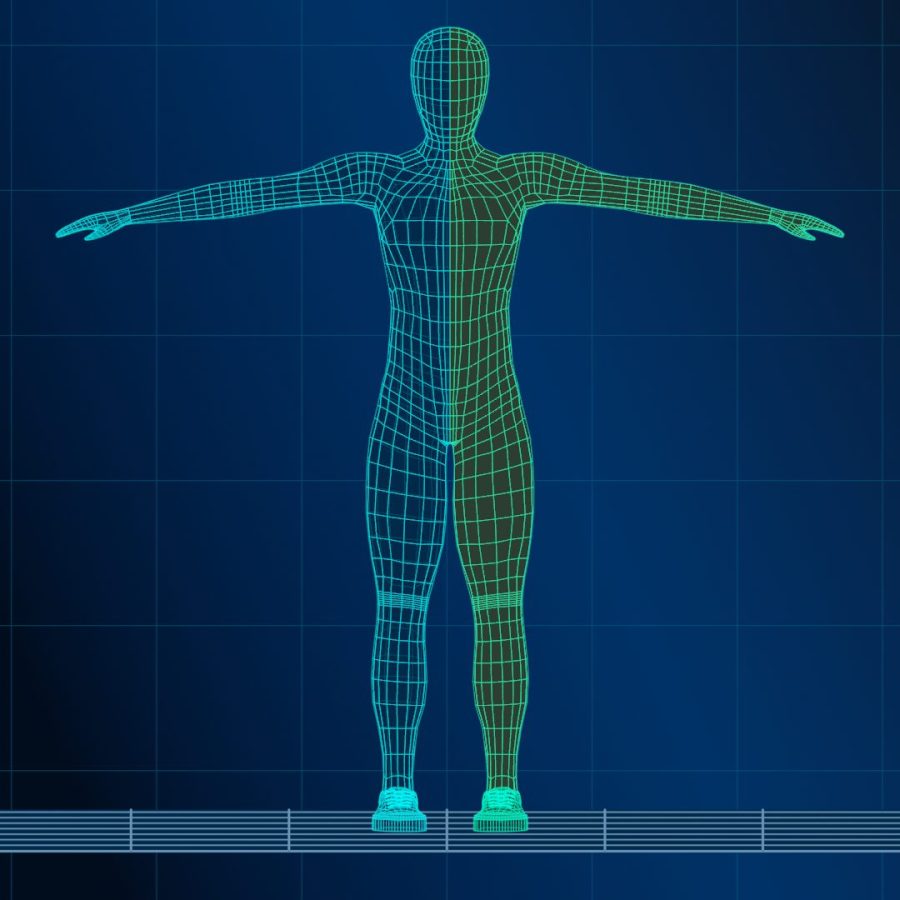
Bind Control
Control two videos simultaneously












SYSTEM FEATURES
Explore the features available in this system.
Frame-by-Frame Playback
Review quick movements frame by frame to catch details that are difficult to see during normal playback. You can adjust each step from 1 to 10 frames for more precise analysis.
Video Zoom
Zoom in on specific areas of the video to examine movements and details more closely. The zoom level can be adjusted up to 10x, making it easier to focus on the areas that matter most.
Video Position Adjustment
Reposition the video to keep the area you want to examine in view. This is useful for analyzing detailed movements of the hands, feet, and other areas, especially when combined with the zoom function.
Dual Video Display
Display two videos side by side in a single viewing area, or switch to either the left or right video individually. Combined with frame-by-frame playback and motion tracking, this makes it easier to compare differences in movement.
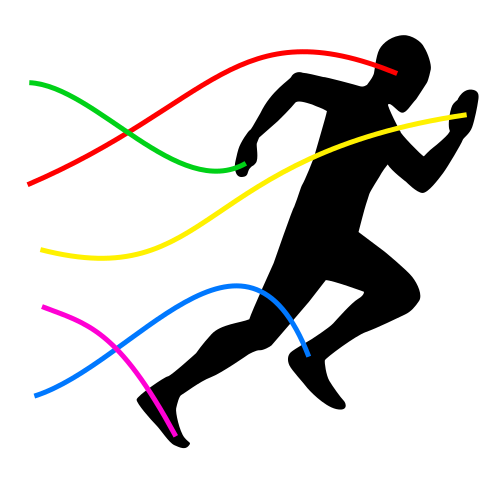
Motion Tracking
Track the movement of joints and the body core and visualize their paths over time. This helps reveal subtle motion patterns, including sway, movement flow, and tendencies in weight shifting.
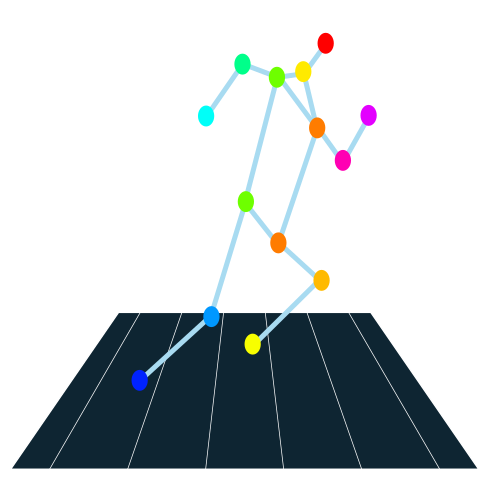
3D Motion Simulation
Automatically recreate movements from uploaded videos in a 3D environment. View the motion from different perspectives to analyze details that are difficult to observe from the original camera angle.
Motion-Tracking Grid Lines
Track specific body parts and automatically display grid lines that follow their movement. Choose from vertical, horizontal, or crosshair lines to make changes in position and movement easier to observe.
Synchronized Video Controls
Control both videos at the same time when using Dual Display. Playback, pause, frame-by-frame advance, and skipping can be synchronized, making it easier to compare the timing and differences between two movements.

YouTube Video Support
Load YouTube videos simply by entering their URLs. You can also load videos from your device and compare them side by side.
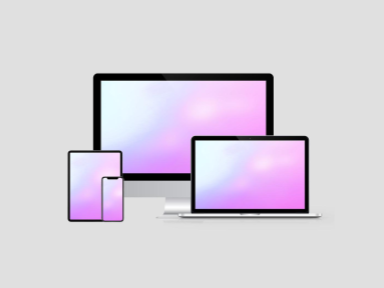
Multi-Device Support
Use the player on PCs, smartphones, and tablets. A larger display, such as a PC screen, is recommended for more detailed video analysis.

Privacy Protection
Local videos are processed in your browser and are not uploaded to our servers.

Free to Use
This system and its all functionalities are available for free.
FAQ
What can this system do?
This system is a next-generation AI analysis tool that not only includes traditional video player functions such as frame-by-frame playback and dual video display side by side, but also features advanced capabilities like AI-based motion analysis. It can visualize motion trajectories of a person in a video and recreate their movements as animations in 3D space.<br>It is suitable for a wide range of applications, including sports form checks, performance comparisons, and motion analysis for dance and fitness.
Is frame-by-frame playback available?
Yes, intuitive frame-by-frame playback is available by using the forward and backward buttons. While many video players offer this function on PC, our system also works seamlessly on smartphones, freeing users from the hassle of adjusting tiny progress bars. Additionally, you can customize the number of frames to skip, from 1 to 10 frames.
Can this system create 3D animations from videos?
No, this system is designed to reconstruct the positions of body parts in 3D space based on the person’s movements in the video. It does not generate visually elaborate, so-called“3D animations.”However, you can freely change the viewpoint within the 3D space and examine the reconstructed body positions from angles that were not visible before, allowing you to analyze your movements from new perspectives.
Do I need to download any software?
No. This system is a web-based application, and all features run directly in your browser. There is no need to install any software—simply access the system from your smartphone or PC to start using it.
What file formats are supported?
The system supports video file formats that are playable in your web browser. The upload section will automatically display the formats supported by your browser.
Is it available on mobile devices?
Yes, the system is compatible with smartphones and tablets. You can analyze recorded videos on the spot.
How accurate is the pose estimation?
The system utilizes a state-of-the-art pose estimation engine powered by AI to detect joint movements in real time. When the video is well-lit and the subject is clearly visible, it delivers highly accurate analysis. However, accuracy may decrease if the subject appears blurry or if the video is taken from low angles—such as placing the camera on the ground and shooting upward. In such cases, adjusting parameters through the AI's pose estimation accuracy tuning feature may help improve performance.
Is this system free to use?
Many features including video uploads, 3D analysis, and frame-by-frame playback are available free of charge. Some advanced functions are available with Standard plan or above.